Key takeaways
- A UPI QR holds a upi://pay link with your UPI ID, name and optional amount; any UPI app can read it.
- Merchant UPI IDs give higher limits and settlement reports; personal IDs suit occasional collections.
- Check printed codes regularly: swapping a shop's QR sticker is a common scam.
UPI made digital payments the default at Indian counters, from kirana shops to clinics. A clear, branded QR code makes paying you faster and looks professional.
What is inside a UPI QR code
A UPI QR code contains a payment link like this:
upi://pay?pa=yourshop@okbank&pn=Your%20Shop&am=250.00&cu=INR&tn=Order%201024pa– your UPI ID (payee address)pn– the name the payer seesam– the amount (optional)cu– currency, INRtn– a note (optional)
Google Pay, PhonePe, Paytm, BHIM and bank apps all read this format. The payer always sees your name and the amount and must enter their UPI PIN, so they stay in control.
Personal UPI ID or merchant account?
| Personal UPI ID | Merchant UPI / business account | |
|---|---|---|
| Setup | Instant, any UPI app | Through your bank or a payments provider |
| Daily volume | May be limited by your bank | Built for many payments |
| Reports | Bank statement only | Settlement and transaction reports |
| Shown to payer | Payment to a person | Payment to a business |
For regular shop sales, a merchant ID is the better choice. Either way, you can turn the ID into a branded, printable code with the UPI QR code generator.
Fixed amount or open amount?
- Counter code, no amount: customers type the bill amount. One code works for every sale.
- Code with amount: for one specific bill, such as an invoice. The GST invoice generator adds this automatically with the invoice total.
Printing a counter code that lasts
- Download PNG at 1024 px or SVG for the printer.
- Print at least 5 × 5 cm for a counter; bigger for a wall a metre away.
- Laminate it, and add your shop name and “Scan with any UPI app”.
- Make a ₹1 test payment from another phone before putting it out.
Protecting your shop from QR scams
- Check the sticker daily. Fraudsters paste their own QR over shop codes.
- Listen for the payment. Use a sound box or confirm in your app before handing over goods.
- Never scan a QR to receive money. Receiving payment never needs your PIN; anyone who asks you to scan and enter a PIN “to receive” is attempting fraud.
- Watch for fake screenshots of “payment successful” screens. Check your own app.
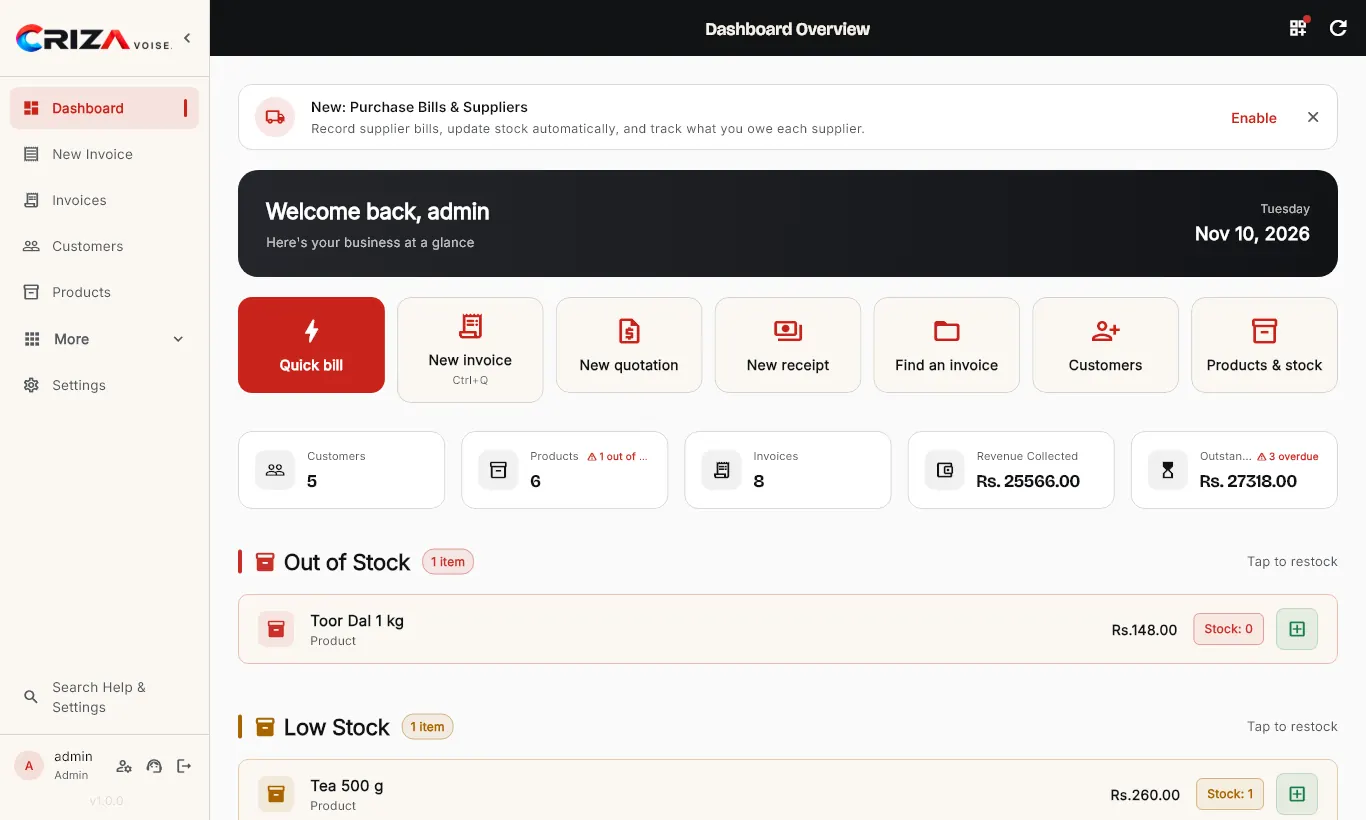
A neat, tested code at the counter and a UPI QR on every invoice will get you paid faster. If you bill daily, CrizaVoise puts a UPI QR on every invoice and receipt automatically.
Free tools for this
No. 23 · QR codes
UPI QR Code Generator
Create a UPI payment QR code for your shop with your UPI ID, name and an optional amount.
No. 27 · Business
GST Invoice Generator
Make a GST tax invoice online for free: CGST, SGST or IGST worked out, amount in words, your logo and a UPI QR code.