What is a GST invoice generator?
A GST invoice generator is a form that lays out a tax invoice for you and does the tax arithmetic. This one runs entirely in your browser: what you type is not uploaded, and you save the finished invoice as a PDF from the print window.
Features
- Tax invoice, plain invoice, bill of supply, proforma and quotation layouts
- CGST + SGST or IGST at the rate you enter for each line
- UPI payment QR code with the invoice total filled in
- Total in words using lakh and crore
- GSTIN format and check-digit test to catch typing mistakes
- Logo, HSN/SAC codes, discounts, round off and delivery address
- Unlimited invoices, no watermark, no account
How to use the GST invoice generator
- Pick the document type and enter its number and date.
- Add your business details, your logo if you like, and the customer's details.
- Add each item with its HSN or SAC code, quantity, price and GST rate.
- Choose CGST + SGST for a sale inside your state, or IGST for a sale to another state.
- Add a UPI ID for a pay-now QR code, and bank details if customers pay by transfer.
- Check the preview, then choose Save as PDF or print.
What must a GST tax invoice show?
The main items are listed in Rule 46 of the CGST Rules. The generator has a field for each one:
- Your name, address and GSTIN
- A serial number of up to 16 characters, unique in the financial year
- Date of issue
- Customer's name and address, and GSTIN if registered
- HSN or SAC code and description of each item
- Quantity and unit for goods
- Taxable value after discount, tax rate and tax amount
- Place of supply for sales between states
- Whether tax is payable on reverse charge
- Signature of the supplier or an authorised person
Worked example: ₹25,000 of goods at 18%
| Same state | Other state | |
|---|---|---|
| Taxable value | ₹25,000 | ₹25,000 |
| CGST 9% | ₹2,250 | — |
| SGST 9% | ₹2,250 | — |
| IGST 18% | — | ₹4,500 |
| Invoice total | ₹29,500 | ₹29,500 |
The total is the same either way. What changes is which government receives the tax, which is why the place of supply matters.
Billing every day? Use the desktop app
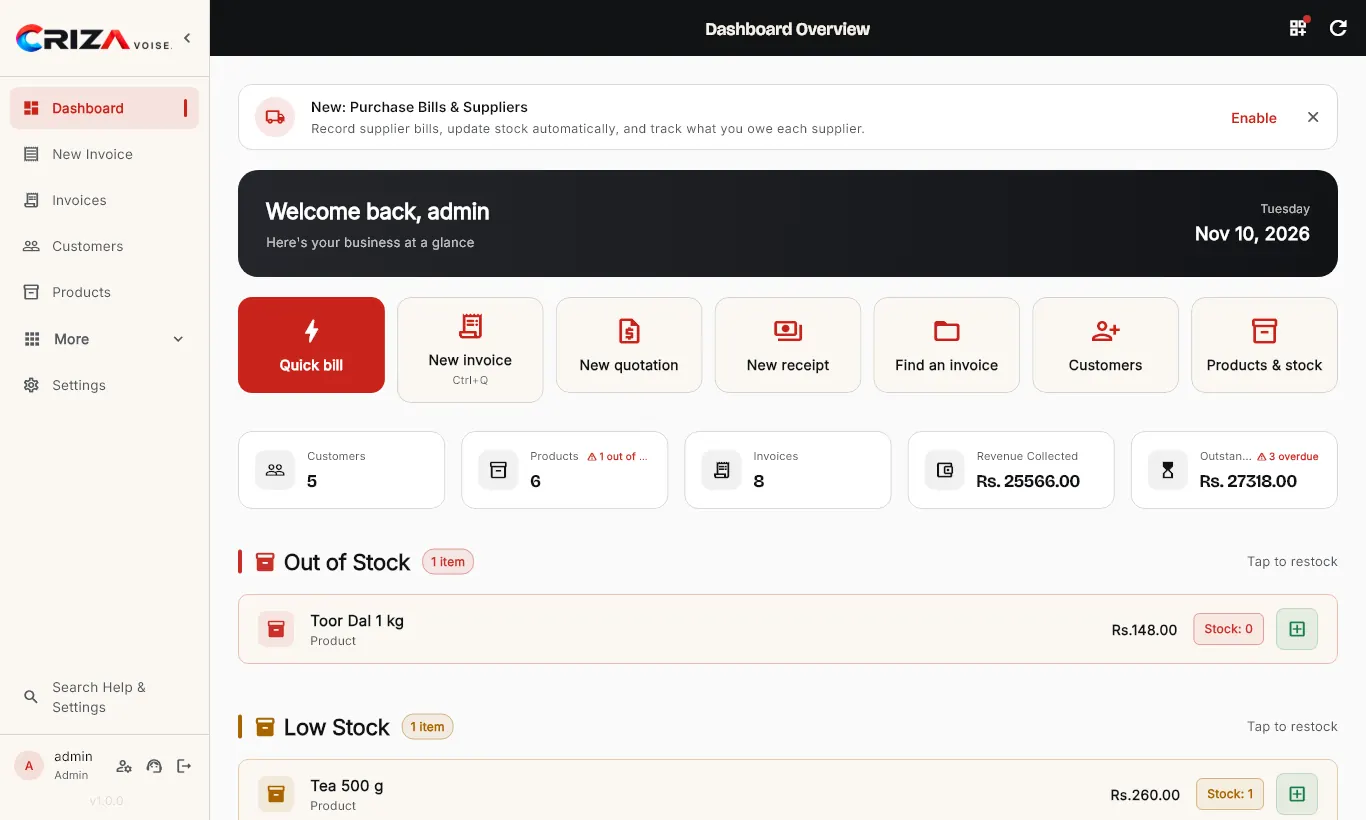
This page is ideal for occasional invoices. If you bill customers daily, CrizaVoise, our free open-source billing app, keeps your customers, products, stock and payments in one place, prints thermal receipts and works fully offline.
Frequently asked questions
Is the GST invoice generator free to use for my business?
Yes. There is no charge, account, watermark or limit, and you may use the invoices commercially.
Where are my invoices stored?
Nowhere on our side. The invoice is built in your browser tab and is not uploaded. Save the PDF each time, because we cannot recover it. You can choose to remember your own business details on your device to save typing next time.
How do I download the invoice as a PDF?
Press Save as PDF or print, then pick Save as PDF as the printer. On Android choose Save as PDF in the printer list; on iPhone, pinch out on the preview and share it.
Which GST rate should I enter?
The rate depends on the HSN or SAC code of what you sell. Since 22 September 2025 most goods and services fall in the 5% or 18% slabs, with 40% for some luxury and sin goods and special rates for a few items. Check the current rate on the GST portal or with your accountant; the tool does not pick rates for you.
Does it create e-invoices with an IRN?
No. It makes a normal PDF tax invoice and does not connect to the Invoice Registration Portal. Businesses required to e-invoice must also generate the IRN there.
Does the UPI QR code work with every app?
It uses the standard UPI payment link that Google Pay, PhonePe, Paytm and BHIM read. The payer sees your name and the amount before paying. Send yourself a ₹1 test payment first.
Last updated 15 November 2026. Made by Criza Labs. Spotted a mistake? Tell us.